
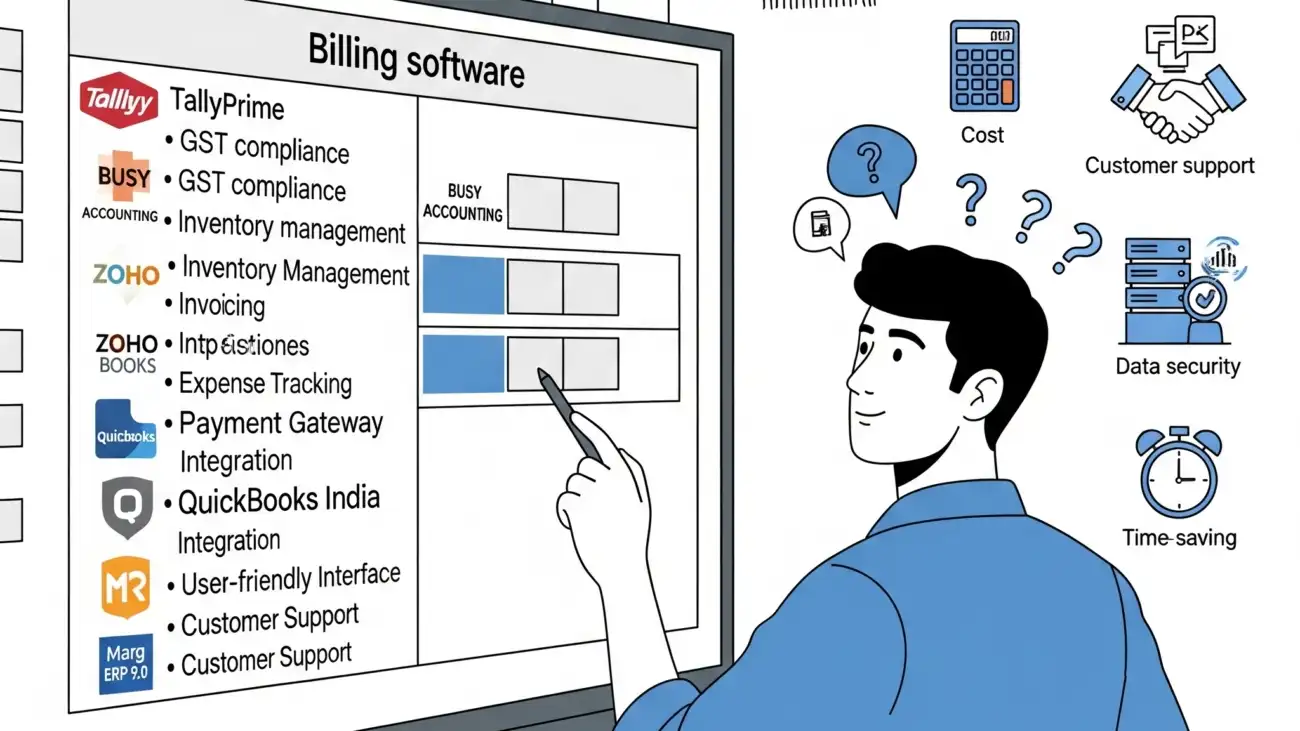
In the fast-growing Indian business environment, small business owners are under increasing pressure to deliver accurate billing, stay GST compliant, manage stock, and handle customer data — all while keeping costs low. Manual invoicing or outdated billing tools often lead to errors, inefficiencies, and revenue loss.
Choosing the best billing software in India can solve these challenges by streamlining operations, automating compliance, and improving cash flow. But with dozens of options available, how do you know which software is right for your business?
This guide will walk you through the key features, comparisons, and expert tips to help you make the right decision for your retail shop, wholesale unit, service center, or small enterprise.
Why Billing Software Is Essential for Small Businesses
Whether you run a grocery store, garment outlet, pharmacy, electronics shop, or service agency, accurate billing is crucial. The right billing software helps you:
- Generate GST-compliant invoices
- Track real-time sales and inventory
- Automate tax calculations and GSTR reports
- Manage customers, suppliers, and payments
- Reduce billing errors and save time
Key Features to Look for in the Best Billing Software in India
1. GST Compliance
- Automatic calculation of CGST, SGST, and IGST
- Invoice formats with HSN/SAC codes
- GSTR-1, GSTR-3B, and GSTR-9 reports
- e-Invoice and e-Way bill generation
2. Inventory Management
- Real-time stock updates
- Low-stock alerts and batch tracking
- Barcode-based billing and stock entry
- Multi-location inventory (if needed)
3. User-Friendly Interface
- Easy navigation for billing staff
- Touch and keyboard support
- Quick product search with barcode scanning
4. POS & Device Integration
- Thermal printer, barcode scanner, cash drawer support
- A4, POS, and custom bill formats
- QR code and UPI payment support
5. Reporting & Analytics
- Daily, weekly, and monthly sales reports
- Purchase summaries and profit margins
- Customer dues and payment tracking
6. Offline & Cloud Access
- Offline desktop support for low-internet areas
- Cloud backup for security and remote access
- Multi-user and multi-device login (if needed)
Top Billing Software in India (2025)
Here are some of the most trusted and widely used billing software options for small businesses in India:
🔹 OurERP
- Ideal for: Retail, wholesale, and distributors
- GST-ready, barcode billing, inventory & multi-user access
- Offline desktop and cloud versions available
- Free and paid plans
🔹 Vyapar
- Ideal for: Retail shops and small service providers
- Android and Windows support
- GST invoicing, stock tracking, expense recording
- Free plan with limited features
🔹 Marg ERP
- Ideal for: Pharma, FMCG, and high-volume retailers
- Comprehensive GST features and inventory controls
- Requires training for setup
- Paid license-based pricing
🔹 Hitech BillSoft
- Ideal for: Small stores and local shops
- One-time download, offline use
- Supports barcode and GST formats
- Free version available
🔹 Zoho Books (with invoicing module)
- Ideal for: Freelancers, service businesses
- Cloud-based invoicing, GST reports, client portals
- Includes accounting features
- Free for limited users
How to Choose the Best Billing Software for Your Needs
Step 1: Define Your Business Type
Are you in retail, wholesale, services, or distribution? Choose a software that matches your industry workflow.
Step 2: Decide Between Offline and Cloud
If your shop has frequent internet access, cloud solutions are great. If not, go with offline desktop software.
Step 3: Check for GST Features
Make sure the software supports full GST invoicing, tax calculations, and returns (GSTR-1, GSTR-3B, etc.).
Step 4: Test the Free Version or Demo
Most providers offer a free version or demo. Test the interface, speed, and reporting before you buy.
Step 5: Compare Pricing and Support
Some software is free for life; others require monthly or annual subscriptions. Check for included customer support, training, and updates.
Benefits of Using the Best Billing Software
- Save time with automated invoicing and tax
- Eliminate billing errors and missed entries
- Get clear reports for decision-making
- Offer faster checkout with barcode scanning
- Stay 100% compliant with Indian GST laws
- Manage returns, discounts, and loyalty programs
Final Thoughts
Choosing the best billing software in India depends on your business type, budget, and workflow needs. A good billing solution should offer GST-ready invoicing, stock control, payment tracking, and reporting — all in one easy-to-use package.
If you’re looking for an affordable, reliable option tailored for Indian small businesses, consider OurERP, Vyapar, or Marg. These tools offer the features you need to stay efficient, accurate, and compliant in 2025 and beyond.
For more details and resources, please return to OurERP.