
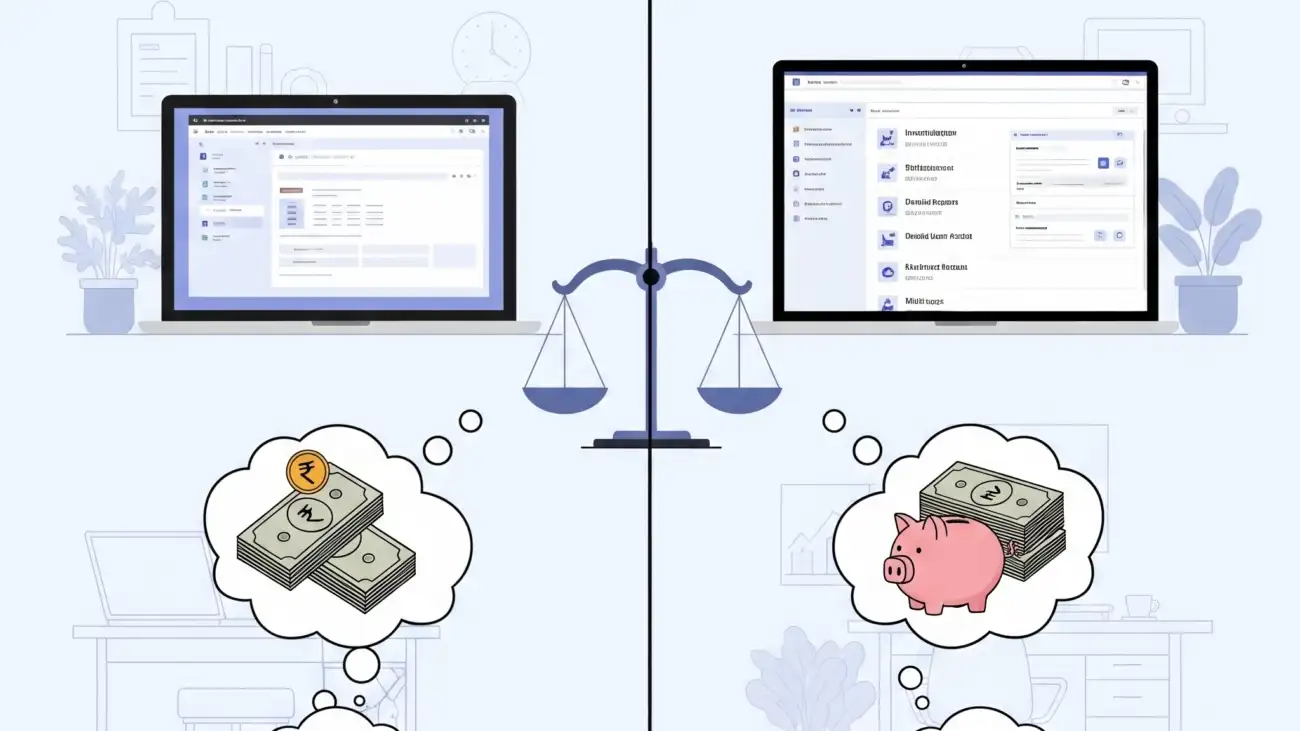
For startups in India, managing finances and complying with GST regulations can be both overwhelming and expensive—especially in the early stages. Choosing the right GST billing software is a critical step, but should you start with a free solution or invest in a paid platform?
In this blog, we’ll compare free and paid GST billing software across key features, limitations, and benefits to help you decide what’s best for your startup.
Why Startups Need GST Billing Software
Since the rollout of the Goods and Services Tax (GST) in India, businesses are required to issue GST-compliant invoices, maintain accurate records, and file monthly or quarterly returns. Manual billing or spreadsheets can lead to errors, missed filings, and even penalties.
A good GST billing software helps you:
- Automate invoice generation
- Calculate CGST, SGST, IGST
- Track sales and purchases
- Generate GSTR reports
- Manage inventory and stock
- Stay compliant with changing GST rules
What Is Free GST Billing Software?
Free GST billing software offers basic invoicing and tax management features at no cost. It’s designed for small businesses and startups that are just beginning to digitize their operations.
Typical Free Features Include:
- GST-compliant invoices
- Limited number of invoices/month
- Basic inventory tracking
- PDF invoice generation
- Customer and product database
- Limited report exports
Popular Free GST Tools:
- Vyapar (Free Desktop Version)
- Hitech BillSoft Free Edition
- Zoho Invoice (Free for all users)
- OurERP – Free Plan (limited access)
What Are Paid GST Billing Solutions?
Paid GST billing software includes full features, higher invoice limits, customer support, data security, and often cloud access. These are better suited for growing businesses, wholesalers, retailers, and distributors.
Paid Features Typically Include:
- Unlimited invoicing and transactions
- Advanced GSTR reports (GSTR-1, 3B, 9)
- E-invoicing and e-way bill generation
- Barcode integration
- Batch and expiry management
- Multi-user, multi-branch support
- Cloud backup and data security
- Customer loyalty, offers, and payment tracking
Leading Paid Solutions:
Free vs Paid: Feature Comparison
| Feature | Free Software | Paid Software |
|---|---|---|
| GST-Compliant Invoicing | Basic support | Full support + e-invoicing |
| Invoice Limits | Limited | Unlimited |
| Inventory & Stock Control | Basic (manual updates) | Real-time, barcode-enabled |
| GSTR Report Generation | GSTR-1 basic format | GSTR-1, 3B, 9 auto-calculation |
| Customer & Vendor Management | Limited | Advanced with credit tracking |
| Data Backup | Manual | Cloud/automated backups |
| Mobile/Desktop Access | Desktop only (in most) | Desktop, mobile, and web |
| Customer Support | Community forums | Live chat, call, onboarding help |
Pros and Cons for Startups
Free GST Billing Software
Pros:
- No investment required
- Easy to install and learn
- Great for micro businesses or single shops
- Offline options available
Cons:
- Limited invoice capacity
- Manual stock updates
- No support for barcode, e-invoice, or multi-user access
- Lack of professional customer support
Paid GST Billing Software
Pros:
- Full compliance with GST and audit-ready features
- Scalable as your business grows
- Time-saving automation tools
- Customizable invoice formats and branding
Cons:
- Monthly or annual fees
- Slight learning curve for advanced features
When Should Startups Use Free Software?
- You’re operating a small local shop with limited customers
- Your monthly invoices are under 100
- You do not need barcode or cloud access yet
- You want to test digital billing before committing
When Should You Consider Paid Software?
- You have growing sales volume and product range
- You need advanced inventory, analytics, and barcode billing
- You plan to file GST returns yourself
- You want multi-user access, mobile billing, or cloud sync
- You require ongoing customer support
Final Verdict: Free or Paid?
For early-stage startups, starting with a free GST billing software makes perfect sense. It allows you to get familiar with digital billing, invoice formats, and tax compliance without spending money.
However, as your business grows, moving to a paid billing solution will save you time, reduce human error, and help you scale faster. The additional features—like real-time inventory, advanced GST reporting, and e-invoice generation—are often worth the investment.
Conclusion
Choosing between free and paid GST billing software depends on your current business size, growth goals, and operational needs. Startups with tight budgets can begin with free tools but should be ready to upgrade when they outgrow the basic features.
If you’re looking for a software that scales with your retail or wholesale business, consider platforms like OurERP, which offer both free and affordable paid plans tailored for Indian GST compliance.
For more details and resources, please return to OurERP.