
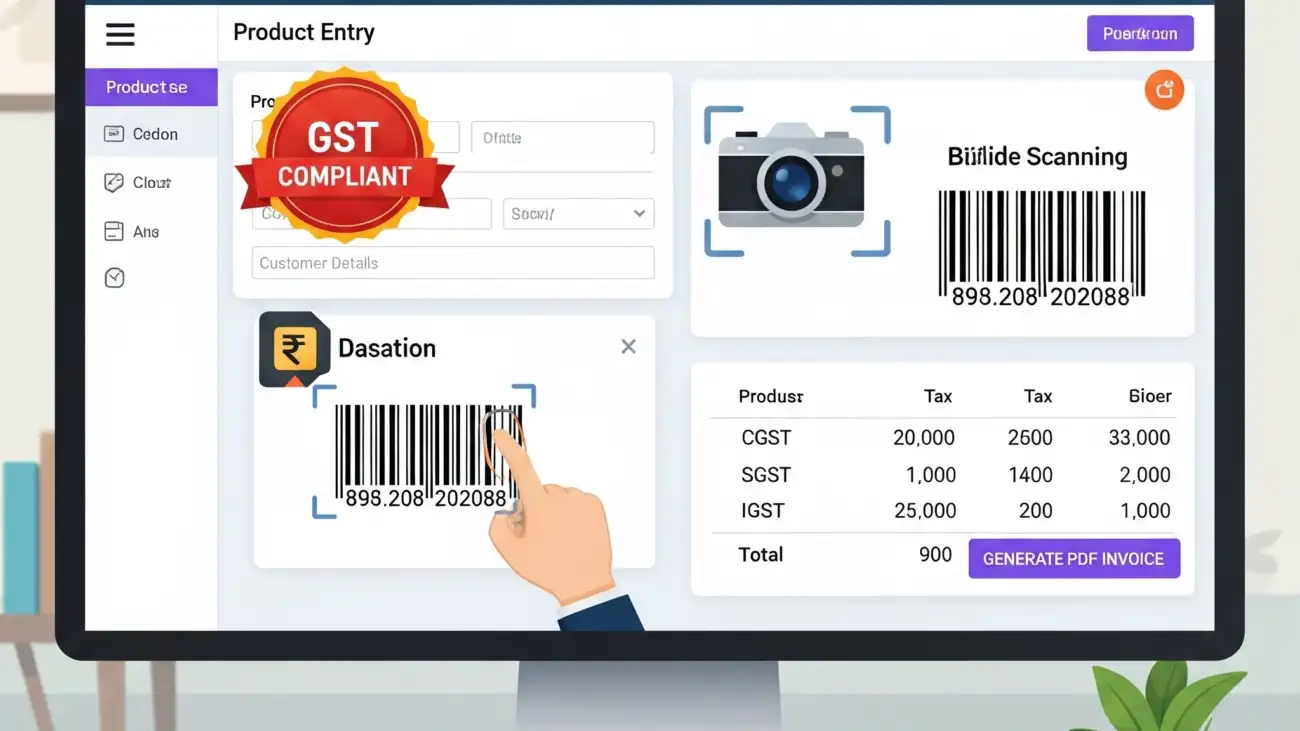
For small businesses, choosing the right billing solution can be the difference between growth and chaos. But if you’re just starting out, paying for expensive software might not be feasible. Thankfully, there are several billing software free for PC that offer robust features like GST compliance, barcode scanning, and PDF invoicing—without costing a rupee.
This blog highlights the key features to look for, benefits, and top tools you can start using today—right from your desktop.
Why Use Free Billing Software for PC?
While cloud-based billing tools are rising in popularity, many businesses still prefer desktop software for reasons like:
- Offline access without internet dependency
- Faster processing on local machines
- Higher data privacy and control
- Compatibility with thermal printers, barcode scanners, and POS devices
Free billing software for PC is especially helpful for:
- Retail shops
- Medical stores
- Wholesalers and distributors
- Service providers
- Startups and freelancers
Must-Have Features in Free Billing Software
When evaluating billing software free for PC, ensure it includes these features:
GST Invoicing Support
- Auto-calculation of CGST, SGST, and IGST
- HSN/SAC code integration
- GSTR-1, GSTR-3B report generation
- GSTIN-wise customer management
Barcode Billing
- Barcode printing and scanning integration
- Item-level tracking by barcode
- Faster checkout and inventory updates
PDF Invoice Export
- Print-ready invoices in A4, POS or custom sizes
- Branded invoice templates
- Email invoices as PDF attachments
Inventory & Stock Management
- Track stock by quantity, batch, and expiry
- Receive low-stock alerts
- Auto stock deduction with each sale
Customer & Supplier Records
- Save GSTIN, contact info, and transaction history
- Credit tracking and outstanding reports
- Custom pricing or discount levels
Top Billing Software Free for PC (GST & Barcode Ready)
Here are some reliable tools you can explore:
1. Vyapar (Free Desktop Version)
- Ideal for small Indian businesses
- GST-ready invoices
- Inventory and party management
- Barcode support
- PDF billing with print preview
- Note: Free for desktop, paid for mobile/cloud sync
2. Hitech BillSoft Free Edition
- Simple interface with POS integration
- Barcode generation and printing
- Supports GST calculations
- PDF invoice downloads
- Data backup options
3. JustBilling Free (Lite Version)
- User-friendly dashboard
- Billing with barcode & PDF
- Stock and purchase tracking
- GST filing reports
- Works on Windows PC
4. Zoho Invoice (PC Browser-Based)
- 100% free with cloud access
- Download PDF invoices
- GST fields and automated taxes
- Limited offline use
5. Marg ERP Free Trial
- Robust features with GST and barcode
- Free for 30 days (some features may continue for free)
- Suited for pharmacies and retail outlets
💡 Tip: Always back up your billing data regularly when using offline software to prevent data loss.
Benefits of Using Billing Software with Barcode & PDF Support
- Faster Checkout: Barcode integration speeds up billing at counters
- Professional Invoicing: PDF bills can be printed or emailed instantly
- Compliance Assurance: GST structure helps with filing returns
- Cost Savings: Free desktop solutions save upfront investment
- Data Privacy: Offline billing means full control over customer data
Who Should Use Free Billing Software on PC?
This type of software is ideal for:
- Retailers (grocery, electronics, apparel)
- Pharmacies and medical stores
- Wholesale traders
- Distributors and agents
- Small business owners and freelancers
Things to Keep in Mind
- Free versions may come with feature or user limits
- Look for regular updates and customer support options
- Consider future upgrades if your business scales
- Always verify GST compliance with current tax rules
Final Thoughts
Finding the perfect billing software free for PC doesn’t mean compromising on quality or functionality. With the right tool, you can generate professional GST invoices, scan barcodes, and export PDF bills—all without spending a single rupee.
If you’re a small business owner looking for an affordable yet powerful billing solution, tools like Vyapar, Hitech BillSoft, and JustBilling are great places to start. And when your business grows, you can upgrade to premium features without changing your system entirely.
For more details and resources, please return to OurERP.